Remember when bookkeeping meant stacks of paper receipts, hand-written ledgers, and hours spent trying to make sense of your finances? Those days are officially behind us. Modern bookkeeping for small business has transformed into something that’s actually… dare we say it… convenient.
If you’re still wondering what all the fuss is about with “modern” bookkeeping systems, you’re in the right place. Let’s walk through what today’s bookkeeping actually looks like and whether you should tackle it yourself or bring in the pros.
What Makes a Bookkeeping System “Modern”?
Modern bookkeeping isn’t just about fancy software (though that’s part of it). It’s about systems that work with you, not against you. Here’s what sets today’s bookkeeping apart from the old-school approach.
Everything Lives in the Cloud
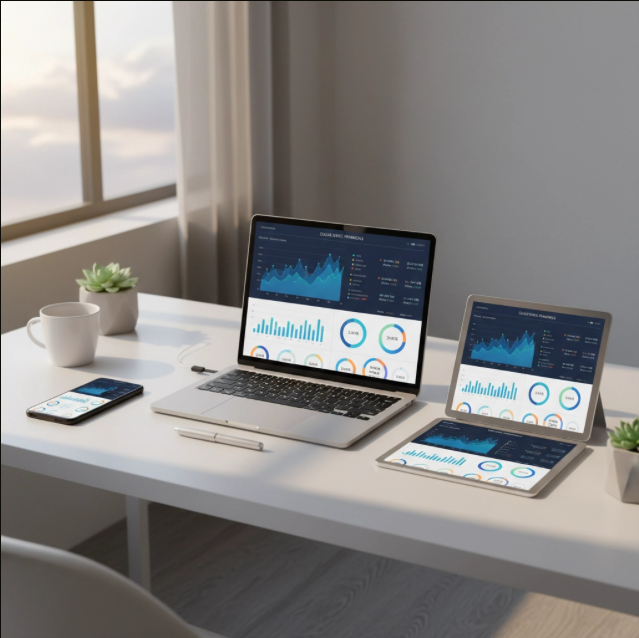
Your financial data isn’t trapped on one computer anymore. Cloud-based bookkeeping means you can check your numbers from anywhere: whether you’re at the office, at home, or sitting in a coffee shop. No more panicking because you left your laptop with all the financial files back at the office.
This also means your accountant, bookkeeper, or business partner can access the same information in real-time. No more emailing spreadsheets back and forth or wondering if everyone’s working with the latest version.
Automation Does the Heavy Lifting
Here’s where things get really exciting. Modern bookkeeping systems can automatically import bank transactions, categorize expenses, and even match receipts to purchases. What used to take hours now happens in the background while you focus on running your business.
Many systems can also send invoices automatically, follow up on late payments, and reconcile your accounts. According to QuickBooks’ research on automation trends, businesses using automated bookkeeping save an average of 8 hours per week on financial tasks.
Real-Time Financial Picture
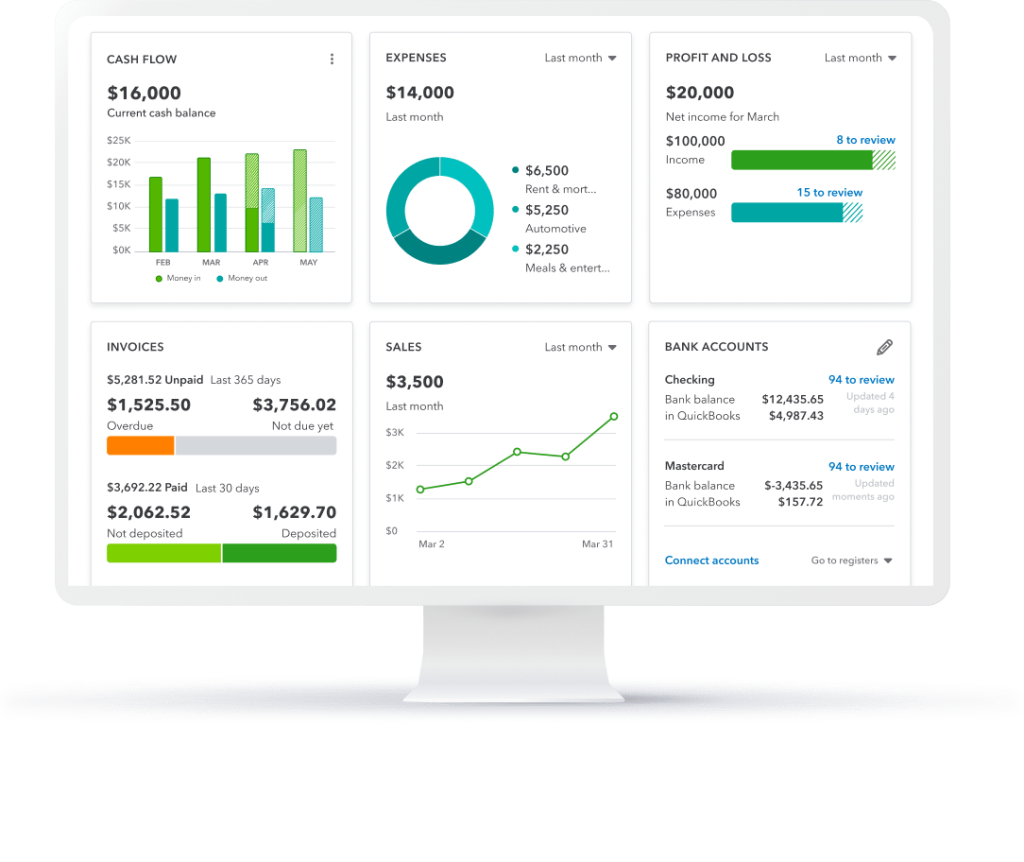
Want to know how much cash you have right now? How about which customers owe you money? Modern systems give you instant answers. No more waiting until month-end to understand where your business stands financially.
This real-time visibility helps you make better decisions faster. You can spot cash flow issues before they become problems and identify your most profitable services or products as they happen.
Everything Talks to Everything Else
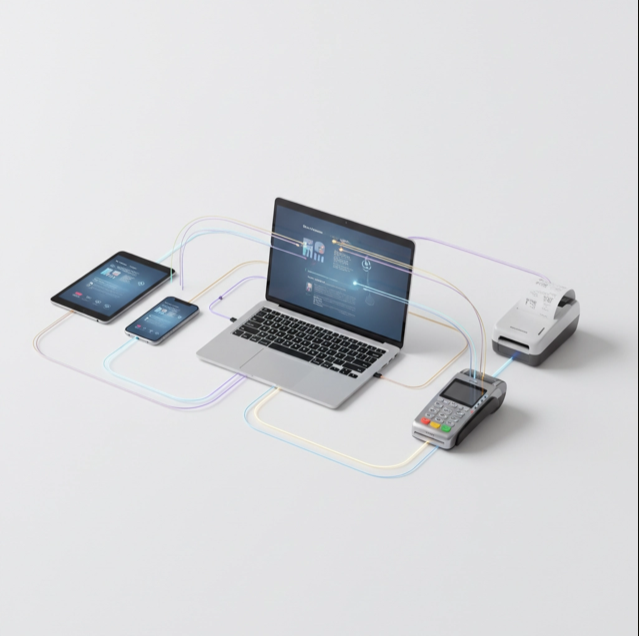
Your bookkeeping system doesn’t have to be an island anymore. Modern platforms connect with your payment processors, payroll systems, inventory management, and even your CRM. When everything talks to each other, data flows automatically and errors decrease dramatically.
What This Actually Means for Your Small Business
Let’s get practical. Here’s how these modern features translate into real benefits for small business owners.
Less Time on Data Entry
Instead of manually entering every transaction, your system pulls information directly from your bank accounts and credit cards. You spend time reviewing and categorizing, not typing in numbers. Most business owners find they cut their bookkeeping time in half or more.
Fewer Math Errors
Automated calculations mean fewer mistakes. When transactions import automatically and calculations happen in the background, there’s less room for human error. Your books stay accurate, and you sleep better at night.
Better Tax Preparation
Come tax time, everything’s already organized and categorized. Your accountant gets clean, complete records instead of a shoebox full of receipts. This usually means lower accounting fees and less stress during tax season.
Clearer Business Insights
Modern reporting shows you which parts of your business make the most money, where you’re spending too much, and how your cash flow looks going forward. You get business insights, not just accounting records.

Key Features to Look For in Modern Bookkeeping Systems
When evaluating modern bookkeeping systems, focus on these essentials:
Bank Integration: The system should connect directly to your business bank accounts and credit cards for automatic transaction import.
Mobile Access: You need to be able to snap photos of receipts, check balances, and approve transactions from your phone.
Invoicing: Built-in invoicing that tracks what’s sent, paid, and overdue saves time and improves cash flow.
Expense Tracking: Easy categorization of expenses, especially if you can photograph receipts and have them automatically matched to transactions.
Basic Reporting: Profit and loss statements, cash flow reports, and tax summaries should be available with just a few clicks.
Security: Look for two-factor authentication, data encryption, and regular backups. Your financial data needs to be protected.
The DIY vs. Professional Question
Here’s where many business owners get stuck: should you manage your modern bookkeeping system yourself, or hire a professional?
When DIY Makes Sense
DIY bookkeeping works well if your business has straightforward finances, you’re comfortable with technology, and you have the time to learn and maintain the system. Many small businesses start with DIY bookkeeping using tools like QuickBooks Online, Xero, or Wave.
The main advantage is cost savings. You’ll pay for software (usually $15-50 per month) instead of professional services (which can be $200-800 monthly depending on your needs).
When to Consider Professional Help
As your business grows, bookkeeping becomes more complex. Multiple income streams, employees, inventory, or significant expenses often require professional expertise. Professional bookkeepers bring knowledge of tax laws, best practices, and error prevention that’s hard to match as a busy business owner.
The decision often comes down to time and complexity. If bookkeeping takes you away from growing your business, or if you’re making costly mistakes, professional help usually pays for itself.
Getting Started with Modern Bookkeeping
Ready to upgrade your bookkeeping? Start with these steps:
Assess your current situation: What’s working? What’s causing problems? How much time do you currently spend on bookkeeping?
Research your options: Look at popular platforms like QuickBooks Online, Xero, or FreshBooks. Most offer free trials so you can test before committing.
Set up proper foundations: Create a business bank account if you don’t have one, and establish a system for tracking receipts and expenses.
Start simple: Don’t try to implement every feature at once. Get the basics working first, then add complexity as you get comfortable.
Consider your long-term needs: Choose a system that can grow with your business, even if you don’t need all the features right away.
Making the Right Choice for Your Business
Modern bookkeeping systems offer incredible advantages over traditional methods: less time spent on data entry, fewer errors, better insights, and easier tax preparation. The question isn’t whether to modernize: it’s how to do it in a way that fits your business.
Whether you choose to DIY or work with a professional, the important thing is getting started. Your future self (especially during tax season) will thank you for making the switch to a modern system.
The world of bookkeeping has changed dramatically, and it’s changed for the better. These systems are designed to work with small business owners, not against them. Take advantage of the tools available and spend more time growing your business instead of wrestling with your books.

If you’re feeling overwhelmed by the options or unsure where to start, that’s completely normal. Every business is different, and what works for one might not work for another. The key is finding a system that matches your needs, your budget, and your comfort level with technology.